Possum
A fake screensaver. Your Mac looks asleep, your agents keep working.
One-time purchase. Yours to keep. 7-day free trial. macOS 13 or later.
- Year
- 2026
- Category
- macOS
- Role
- Design, macOS
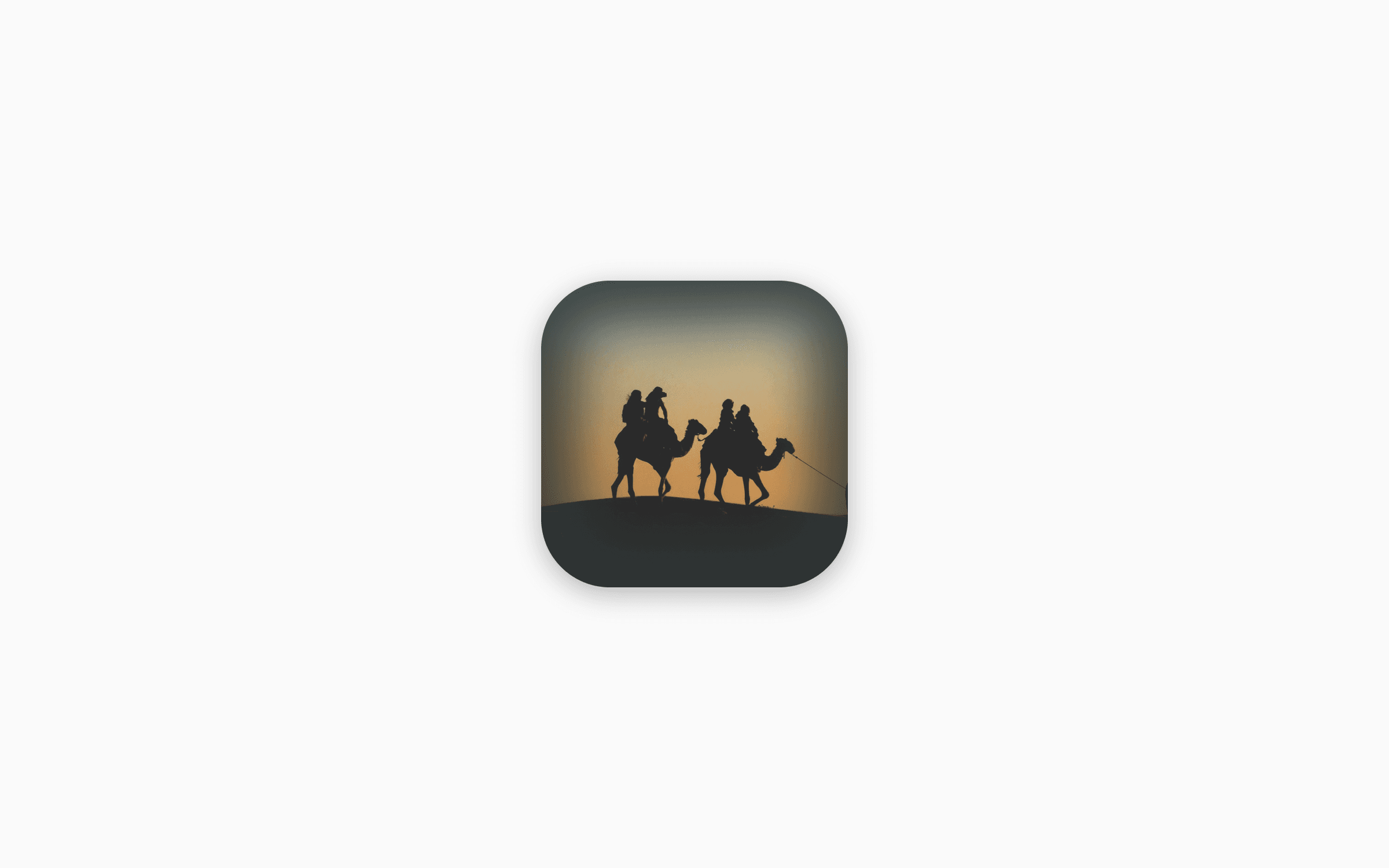
A fake screensaver for the AI agent era. It covers every screen with a dimmed wallpaper, a picture or plain black, and keeps the Mac awake underneath, so coding agents, builds and downloads keep running while you are away.
Move the mouse and a PIN pad appears. Enter your 4-digit PIN to get back to work. It can cover the screen on a timer or every weekday at lunch.
It was called Just Black Screen until October 2026. Built with Tauri and Rust, with a few direct AppKit and IOKit calls so the cover sits above the Dock, the menu bar and notification banners, and the Mac stays awake.
- macOS
- Tauri
- Rust
What it does.
Looks like a screensaver
Every display fades into a dimmed version of your wallpaper, a picture you pick, or plain black.
Keeps your Mac awake
While the screen is covered, the Mac doesn’t fall asleep. Agents, builds and downloads keep running.
A PIN to come back
Move the mouse or press a key and a PIN pad appears. No Touch ID needed, so it works on any Mac and keyboard.
Now, later or every day
Cover the screen right away, in 1 to 30 minutes or an hour, or at the same time every weekday.
Stays on top
The cover sits above the Dock, the menu bar and notification banners. Cmd+Tab and Cmd+Q are blocked.
Lives in the menu bar
No Dock icon and no window to manage. Turn on Open at Login and forget about it.
Pricing.
$4.99
One-time purchase. Yours to keep.
- 7-day free trial with every feature. No account and no card.
- One license covers up to 3 Macs.
- Changed your mind? Full refund within 14 days.
- Payment, tax and receipts are handled by Polar, our reseller.
- Requires macOS 13 or later.
See the terms and the refund policy.
Questions.
- Does it keep my Mac from sleeping?
- Yes, while the screen is covered or a cover is on its way. Agents, builds and downloads keep running. You can turn this off in Settings. Closing the lid still puts the Mac to sleep.
- Is it a lock?
- No. Like a screensaver, it hides the screen from people walking past. Holding the power button removes the cover. When you need real security, use the macOS lock screen (Ctrl+Cmd+Q).
- I have Just Black Screen.
- Possum is its new name, from version 1.2.0. Your app updates itself, and your license, PIN and settings stay. In Finder it may keep the old name.
- What happens when the free trial ends?
- Cover Screen and Cover Later open the License tab in Settings instead, and Scheduled Cover skips. Your settings stay. Enter a license key and everything works again.
- How do I move my license to another Mac?
- Open License… from the menu bar icon and choose Deactivate on This Mac. Then enter the same key on the other Mac.
- Can it show a picture instead of black?
- Yes. In Settings › Cover, set Background to Wallpaper or Image, and the cover shows that picture dimmed. Black stays the default because it looks most like a sleeping Mac.
- I forgot my PIN.
- Quit the app and delete ~/Library/Application Support/com.kareui.justblackscreen/config.json. The app then asks you to choose a new PIN. Your license is kept in a separate file and stays.
- Does it need the internet?
- Only to activate a key, for a short license check about once a week, and to look for updates once a day. Offline is fine. The app never removes a key just because it could not connect.
Need help?
Email one@ashsoft.us with any question. Your license key is in your receipt email, and in Polar’s customer portal.